As the CBSE Board moves toward a more tech-driven future, the Class 12 On-Screen Marking (OSM) system has changed the game. While you still write your exam on physical paper, your answer sheet is now scanned and evaluated digitally by examiners on a computer screen.
At PICS Institute, we believe that even the best preparation in Chemistry can be undercut by poor presentation. To ensure “Technology sees your hard work clearly,” here is your ultimate guide to the smart precautions you must take during your digital assessment.
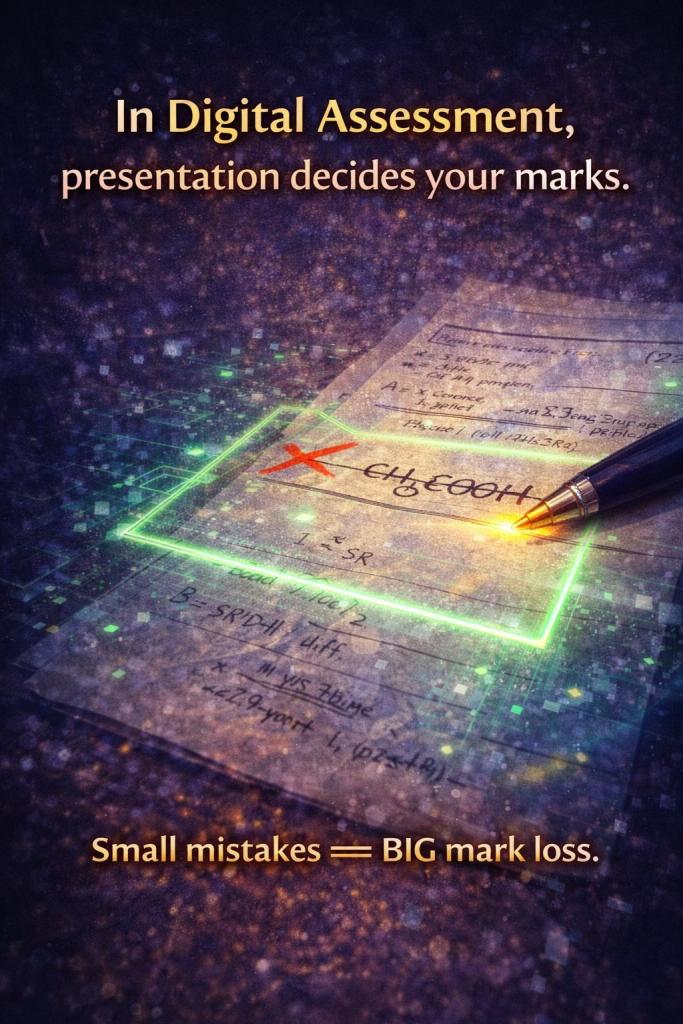
1. The Ink Matters: Stick to Dark Blue or Black
When a computer scans your paper, light or “faded” ink can become illegible.
• The Rule: Use only dark blue or black ballpoint or gel pens.
• PICS Tip: Avoid using glitter pens or very light blue ink. High-contrast writing ensures that every “electron dot structure” or “chemical equation” you write is crystal clear for the digital examiner.
2. Legibility is King (No More Cursive Confusion)
In a digital scan, letters that are too close together or overly stylized cursive can look like a blur.
• The Precaution: Write clearly and legibly. Leave adequate spacing between words and lines.
• Why? An examiner can zoom in on a digital screen, but they can’t “guess” what a word is if the scan is pixelated.
3. Precision in Diagrams
Chemistry is a subject of structures. Whether it’s the p-block elements or Organic Reaction Mechanisms, your diagrams must be sharp.
• The Precaution: Use a sharp pencil and a ruler for all diagrams. Label them horizontally so the examiner doesn’t have to “rotate” their screen to read your text.
• Pro-Tip: Ensure your arrows in reaction mechanisms are distinct. A “half-headed” arrow vs. a “full-headed” arrow determines your marks in Organic Chemistry!
4. Follow Question Numbering Strictly
The digital evaluation software often aligns the examiner’s marking grid with the question numbers.
• The Precaution: Never skip or mix up question numbers. Write the Question Number prominently in the margin.
• The Risk: If you mislabel a 5-mark question as a 3-mark one, it can create confusion in the digital marking portal.
5. Structure with Points, Not Paragraphs
Reading long paragraphs on a computer screen is tiring for examiners.
• The Precaution: Attempt your answers in structured, numbered points. Use bullet points for properties, uses, and definitions.
• The Benefit: It makes it easier for the examiner to spot the “Value Points” (keywords) and award marks instantly.
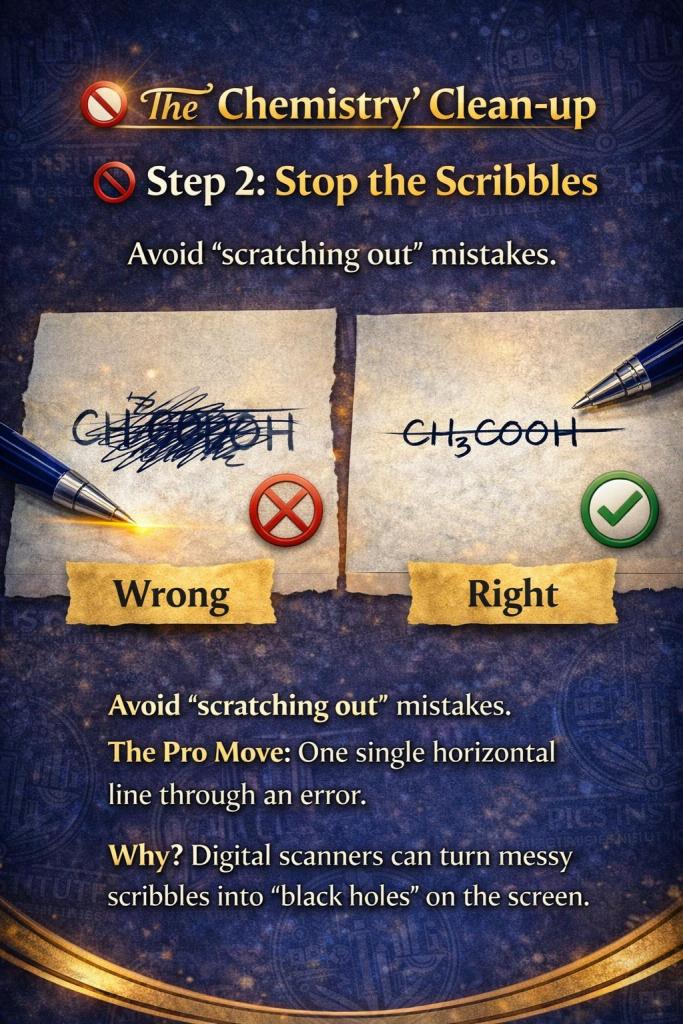
6. Avoid Unnecessary “Cutting” and Scribbling
In the physical world, a messy page looks bad. In a digital scan, a large “scribble” or “over-writing” can create a dark blotch that hides the text around it.
• The Precaution: If you make a mistake, simply draw a single horizontal line through it. Avoid “scratching out” or using whitener, which can sometimes create glare during scanning.
7. The 15-Minute Review Rule
Time management is different when you have to ensure “scan-ability.”
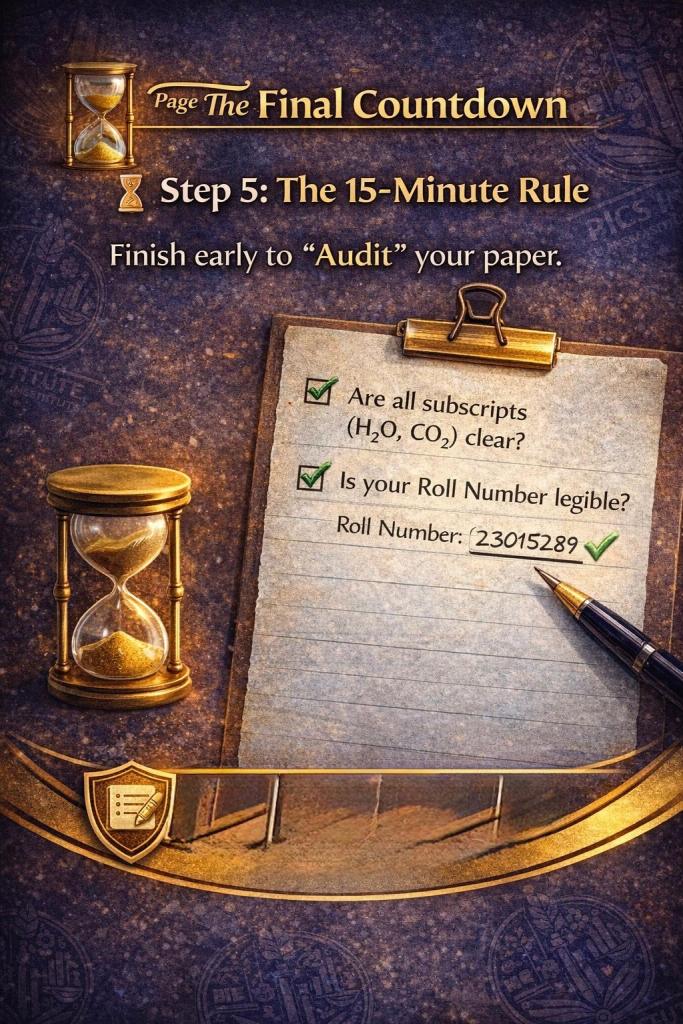
• The Precaution: Manage your time wisely to save 10–15 minutes at the end.
• The Checklist: Check if your roll number is clear, ensure no page is left blank in between, and make sure all chemical formulas are written with proper subscripts
Final Thoughts from PICS Institute
Digital assessment is designed to make evaluation error-free and faster. By following these “Smart Precautions,” you ensure that the technology works for you, not against you.
Remember: “Present your best… Let technology see it clearly!”

Are you ready to ace your Chemistry Boards?
 PICS INSTITUTE - Art Of Teaching